Your account
How do I get my Digital Parking Permit?
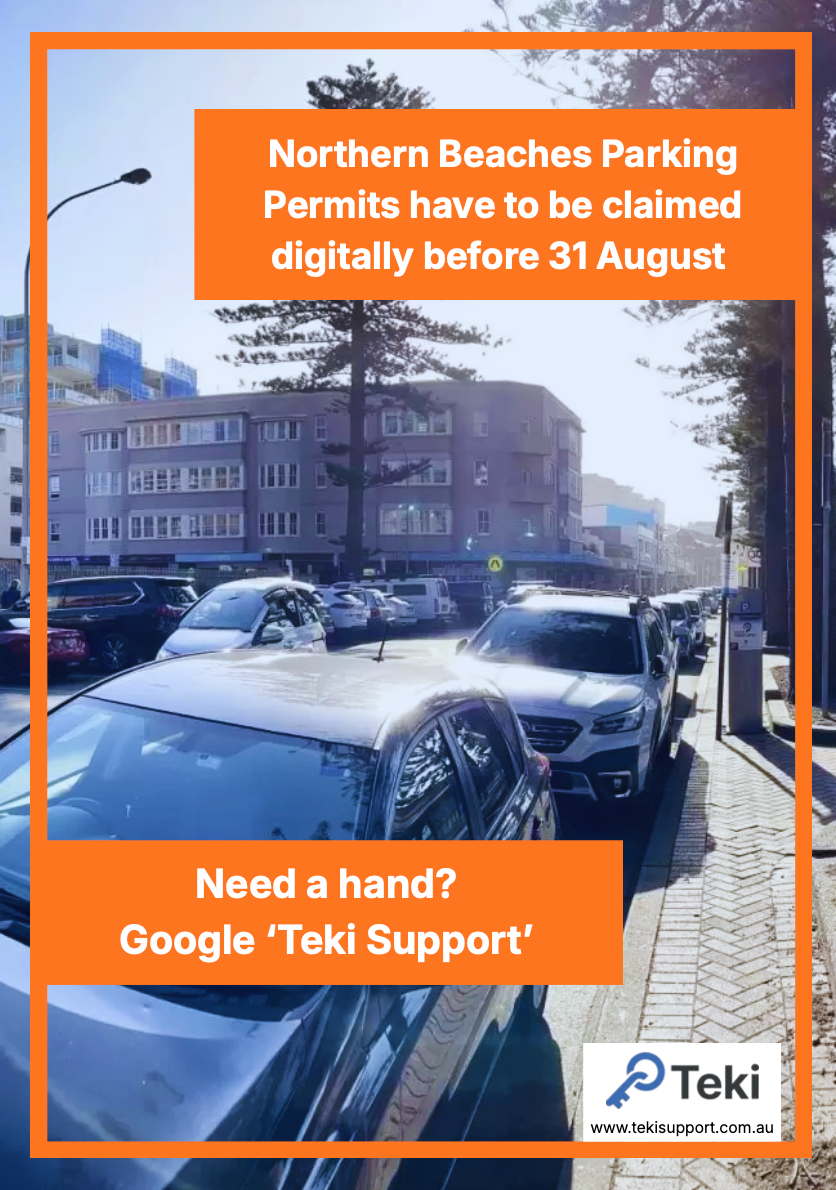
The Northern Beaches Council has moved to Digital Parking Permits, which have to be claimed by the 31st of August.
We've created this step-by-step guide to help you understand how to claim yours today:

This video is a walkthrough of how to claim your Northern Beaches Parking Permit, with written instructions below.
This is the website that the Northern Beaches Council uses for claiming and managing your digital parking permits.
Step 2 - Register as a new user and confirm your email address
If this is your first time claiming your digital parking permits, you'll need to create a new account.
Follow the instructions by adding in your details, and confirming your email address.
Step 3 - Input your address and Northern Beaches Council Reference Number
There are different residence types for your permit - select the best one that suits your situation. E.g. If you have a mortgage/own your property on the Northern Beaches, select Owner Occupier residence type. If you live on in a granny flat, shared residence or other, please speak to your landlord/agent to discuss your options.
Your Northern Beaches Council Reference Number can be found on your Rates Notice (first grey box on the left side of the paper).
Step 4 - Upload a clear photo of the front of your licence
Ensure that it is just the front of the licence, with nothing in the background.
The format should also only be either JPEG or PNG.
Once the upload has occurred, you'll either get a red or green box below, which will let you know whether the photo has been accepted or not.
Step 5 - Select the Pemit Name and Confirm
Each eligible residence will get 2 "Beach Parking Permit - free first permit (Price : $0)". For any additional permits, they will inccur an additional fee, typically $250 annually.
Once you click next, your Northern Beaches digital parking permit will be confirmed.